FeedBro helps you follow the content that matters, cut through the noise and stay ahead.
Free plan · no credit card needed
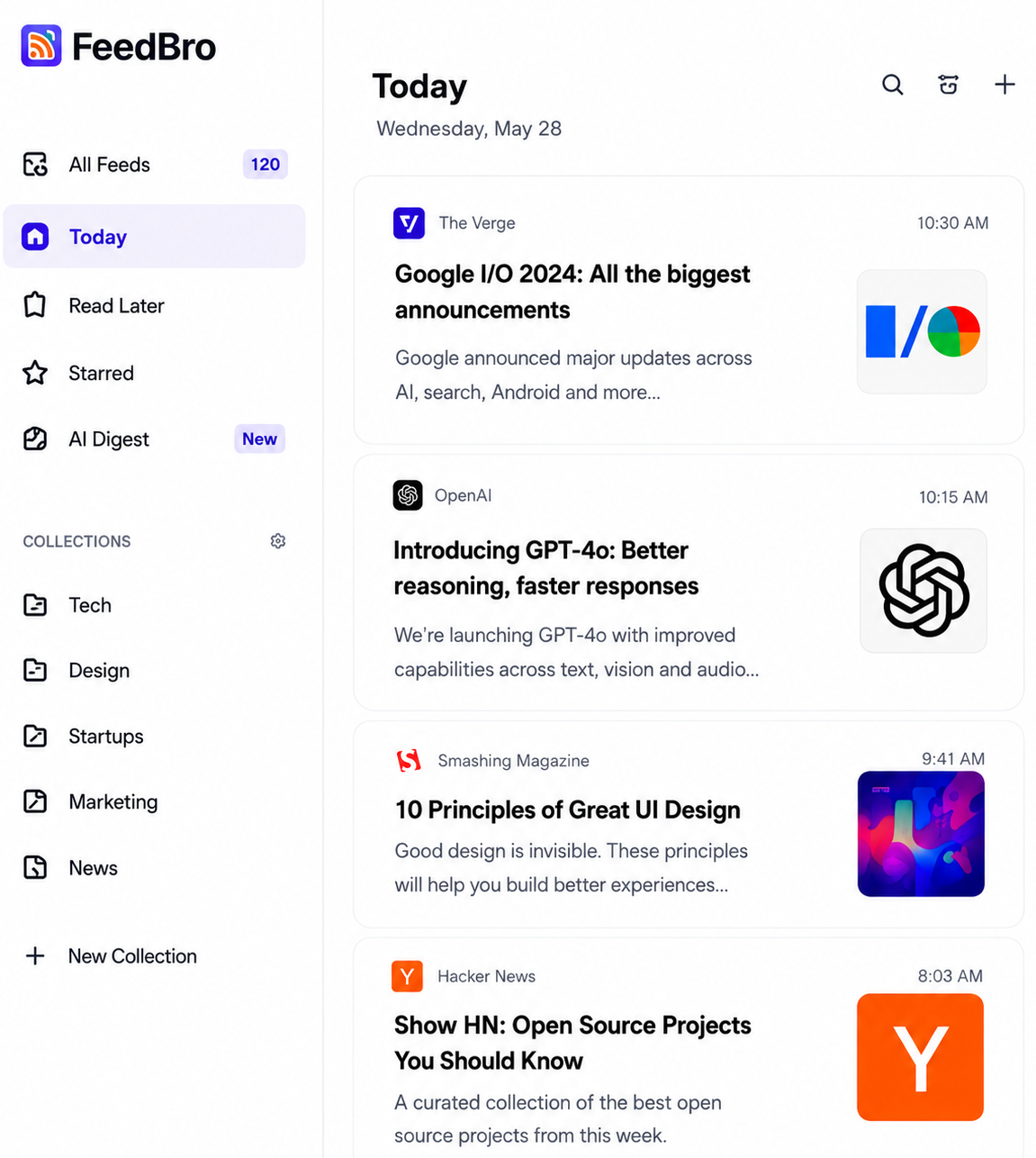
Trusted by readers who follow content from everywhere
 Hacker News
 Product Hunt
 Medium
 Substack
Get key takeaways from long articles so you can decide what's worth your time.
Folders, tags, filters and rules help you organize and focus on what matters.
Get notified the moment new content is published. Never miss important updates.
Distraction-free reader mode with custom themes, fonts and layouts you'll love.
Access your feeds anywhere. Sync seamlessly across all your devices.
Easily import your OPML file and export your subscriptions anytime you want.
Paste a page’s address and FeedBro checks it for you. Only what’s new reaches your reader — and your rules can alert you about it.
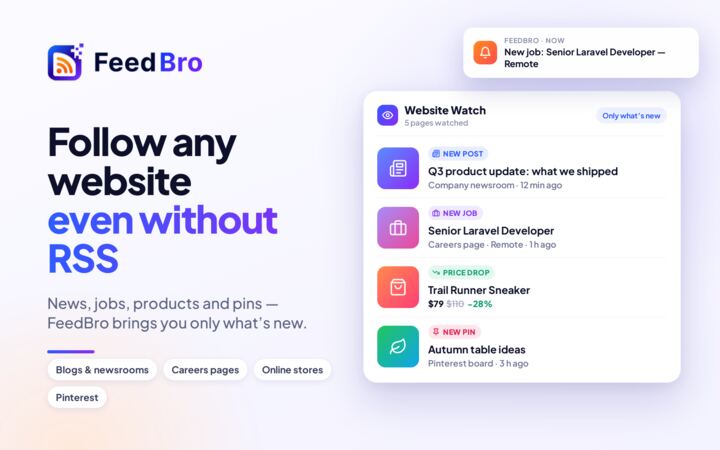
Newsrooms, blogs and job boards without a feed: each new post or job arrives as an article, with its picture.
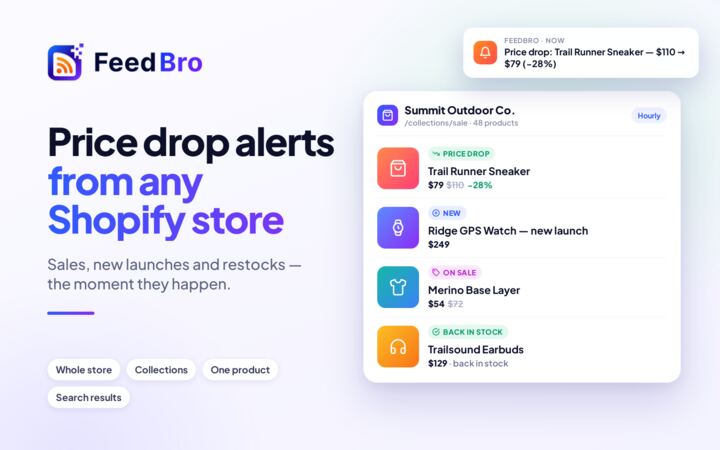
Shopify, WooCommerce and any shop that shows prices: new products, price drops, sales and items back in stock.
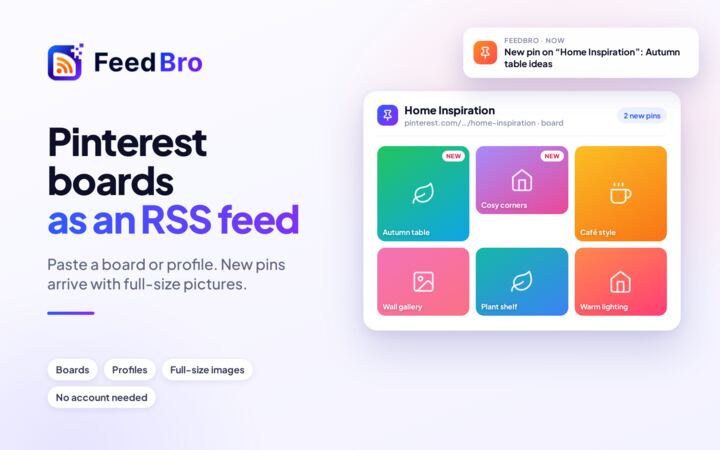
Follow a Google Shopping search for new results and price changes, or a public Pinterest board for its new pins.
Free: 3 pages, checked once a day. Coffee Club: 10 pages, checked every hour.
FeedBro fetches the full article when a feed sends only a teaser, pulls out the key points of long reads, and tells you when the topics you follow come up.
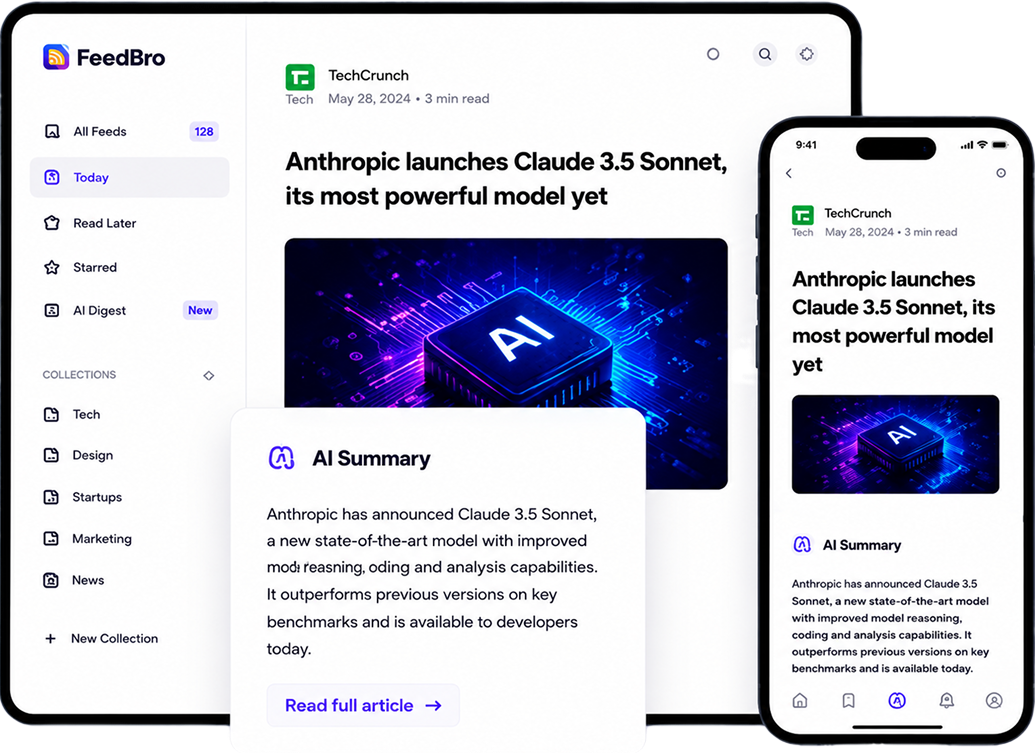
FeedBro is an RSS reader and feed aggregator. Follow blogs, news sites, YouTube channels and podcasts, and read everything new in one list — on feedbro.com, in the Android app, or in the FeedBro extension for Chrome and Firefox.
Yes. The Free plan has no time limit and needs no credit card: up to 20 feeds, 10 collections and 5 rules. The Coffee Club ($4.99 a month, cancel any time) removes the limits and adds summaries, email digests, refreshes every 15 minutes, no ads and premium fetching.
Yes. FeedBro fetches the article itself and shows it as clean text, without pop-ups or cookie banners. The browser extension can also load it in your own browser — which works on sites that block servers and on publications you are signed in to.
Yes. A rule watches your feeds for a word or phrase and can email you, send a push notification to your phone, highlight the article, save it, tag it or hide it.
Yes: FeedBro for Android on Google Play, with notifications and offline reading, and the FeedBro extension for Chrome and Firefox. There is no iPhone app yet; feedbro.com works in any mobile browser.
Yes. Export an OPML file from your current reader — Feedly, Inoreader, NewsBlur and most others offer one — and import it in FeedBro's settings. You can export your FeedBro feeds the same way, on every plan.
Paste the website's address instead. FeedBro looks for the site's feed — in the page, in its links and at the usual addresses — and follows that.
Yes. With Website Watch, paste the page’s address — a newsroom, a careers page, an online store or a Google Shopping search — and FeedBro checks it for you. Each new post or product arrives as its own article, and price drops, sales and restocks arrive as alerts your rules can act on. The Free plan watches 3 pages once a day; the Coffee Club watches 10 every hour.

Follow the sites you care about in one calm, fast reader. Free to start.
Subscribe to your favorite websites, blogs, YouTube channels and more.
FeedBro updates in real-time and keeps everything organized for you.
Read, summarize or save for later. Stay ahead effortlessly.

